FIELD NOTES · OCTOBER 19, 2026
How to make a Hit the Road Dude AI pet video
Start with the face. Keep the scene simple. Give the pause room to land.
1. Choose one clear photo
Use one cat or dog with both eyes and the muzzle visible. An eye-level photo with natural light makes markings easier to preserve. Avoid group photos, dark screenshots and objects covering the face. The studio accepts JPG, PNG or WebP up to 6 MB.
2. Pick the matching driver
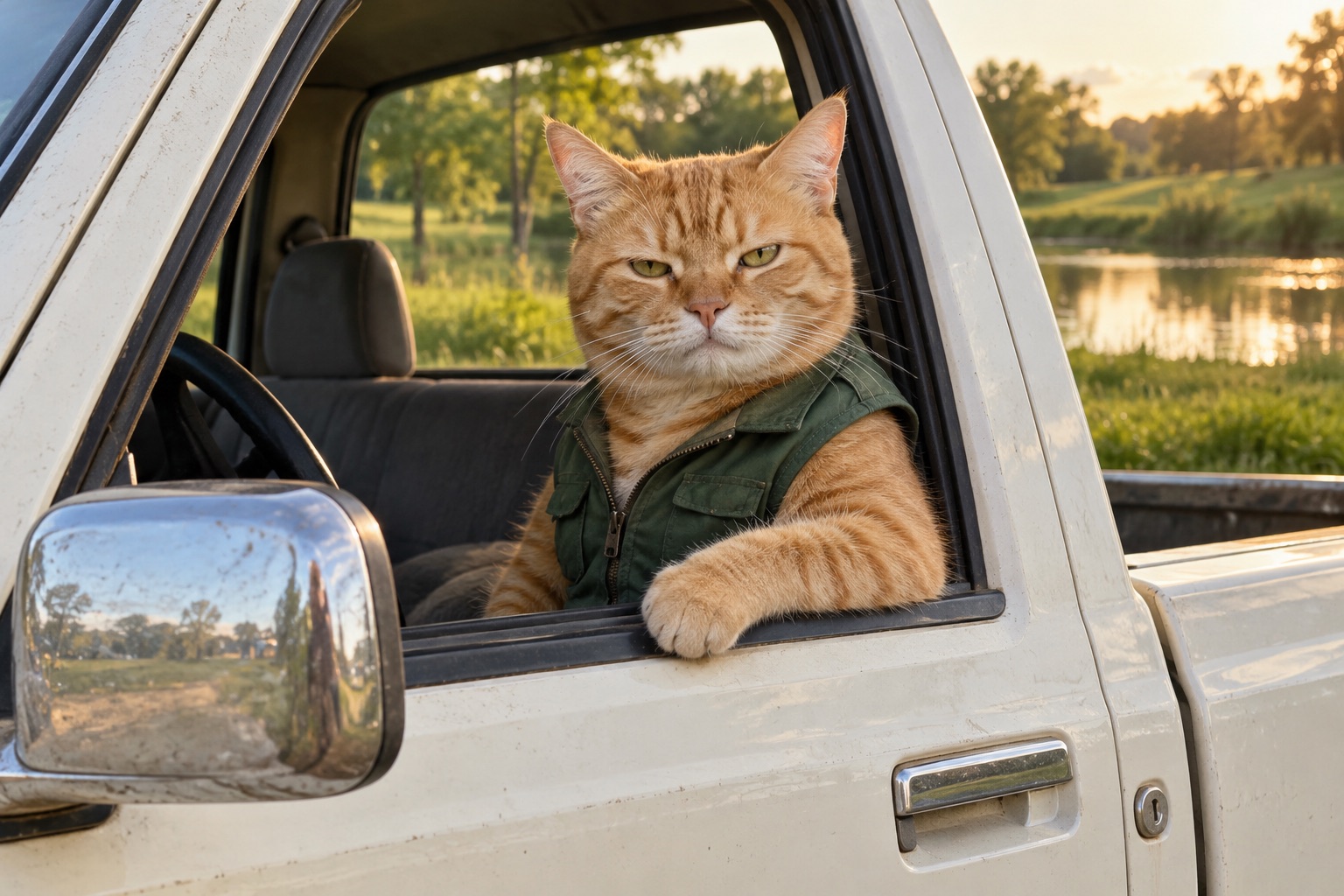
Choose My cat or My dog. The scene directs the pet to sit by the open window of a white pickup beside a pond. A truck in your original photo is not needed. The artwork beside the controls is a concept preview, not an example of a finished video.
3. Understand the dialogue
The twelve-second direction separates the off-camera visitor from the pet: an assumption about state property, a skeptical “State?”, then the private-property send-off. New synthetic voices are requested. Exact words, timing and lip movement are not guaranteed, so do not treat a still image as evidence of audio quality.
4. Check availability and cost
This workspace is in early access. You can select a photo locally and copy the scene prompt, but generation and checkout are closed. Once launched, the server will show the fixed credit cost before submission. Each deliberate new take uses credits.
5. Review, download and share
Confirmed tasks appear in My videos. Check the eyes, muzzle, paws and speaker order before posting. Download the MP4 while the provider link is available. Share with an AI-generated label and only add audio you are allowed to use.